Starting digital art can feel like a maze of specs and price tags. This list is for Singaporeans who want a solid drawing tablet without breaking the bank or getting overwhelmed. We picked these based on ease of use, compatibility with common software, and value for money in the local market. Whether you're sketching for fun or planning to go pro, these tablets offer a good starting point.
Quick Comparison
| Pick Name | Best for | Key feature/spec | Approx. Price |
|---|---|---|---|
| Wacom Intuos Small (Bluetooth) | Beginners who want a trusted brand | Pen pressure sensitivity, 4 customizable buttons | S$140 |
| Huion Inspiroy H640P | Budget-conscious students | 8192 levels of pressure, battery-free pen | S$70 |
| XP-Pen Deco 01 V2 | Those needing a larger workspace | 10x6.25 inch active area | S$90 |
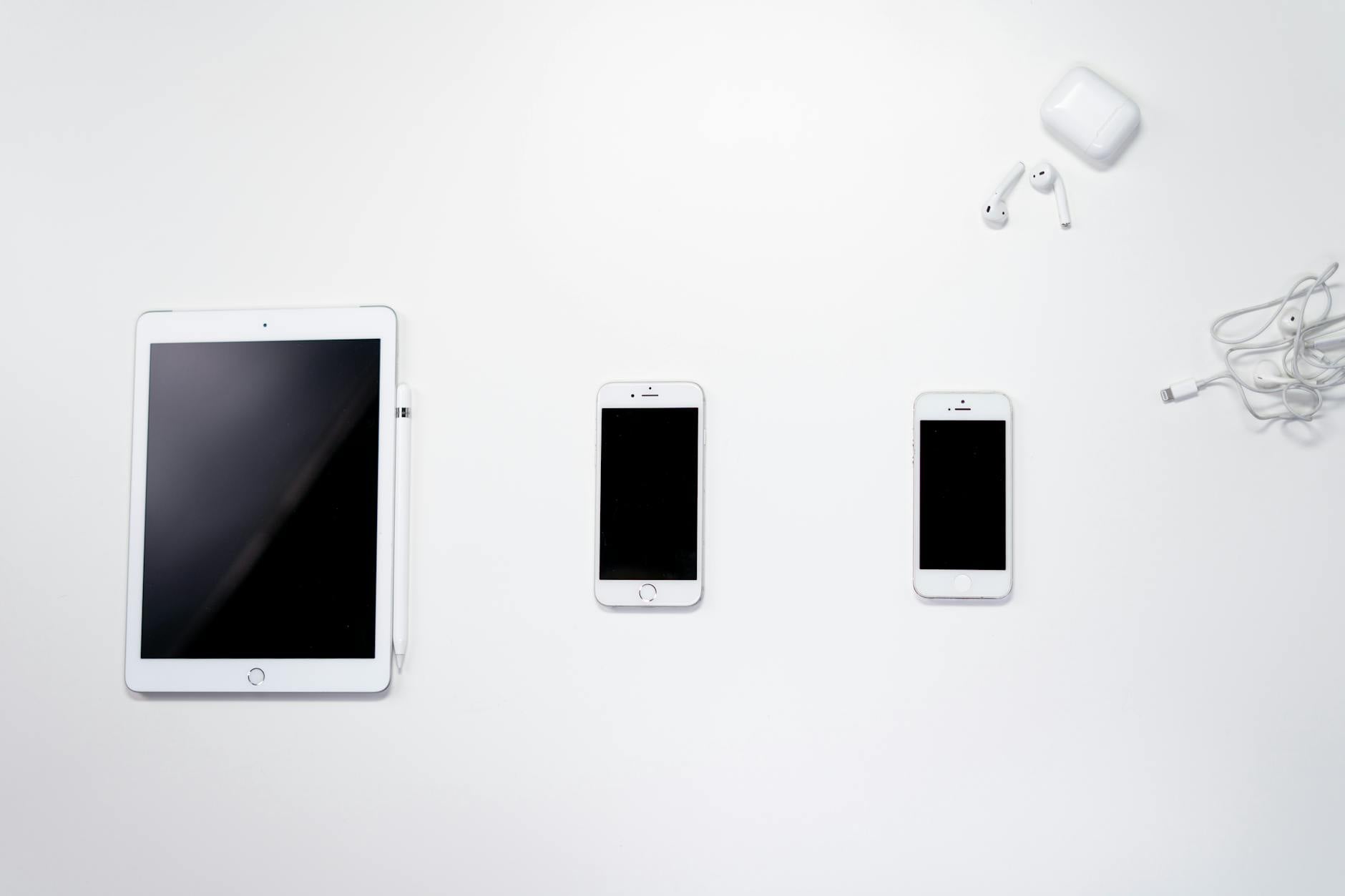
| Apple iPad (9th Gen) with Apple Pencil (1st Gen) | Multitaskers who also want a tablet | 10.2-inch Retina display | S$500 |
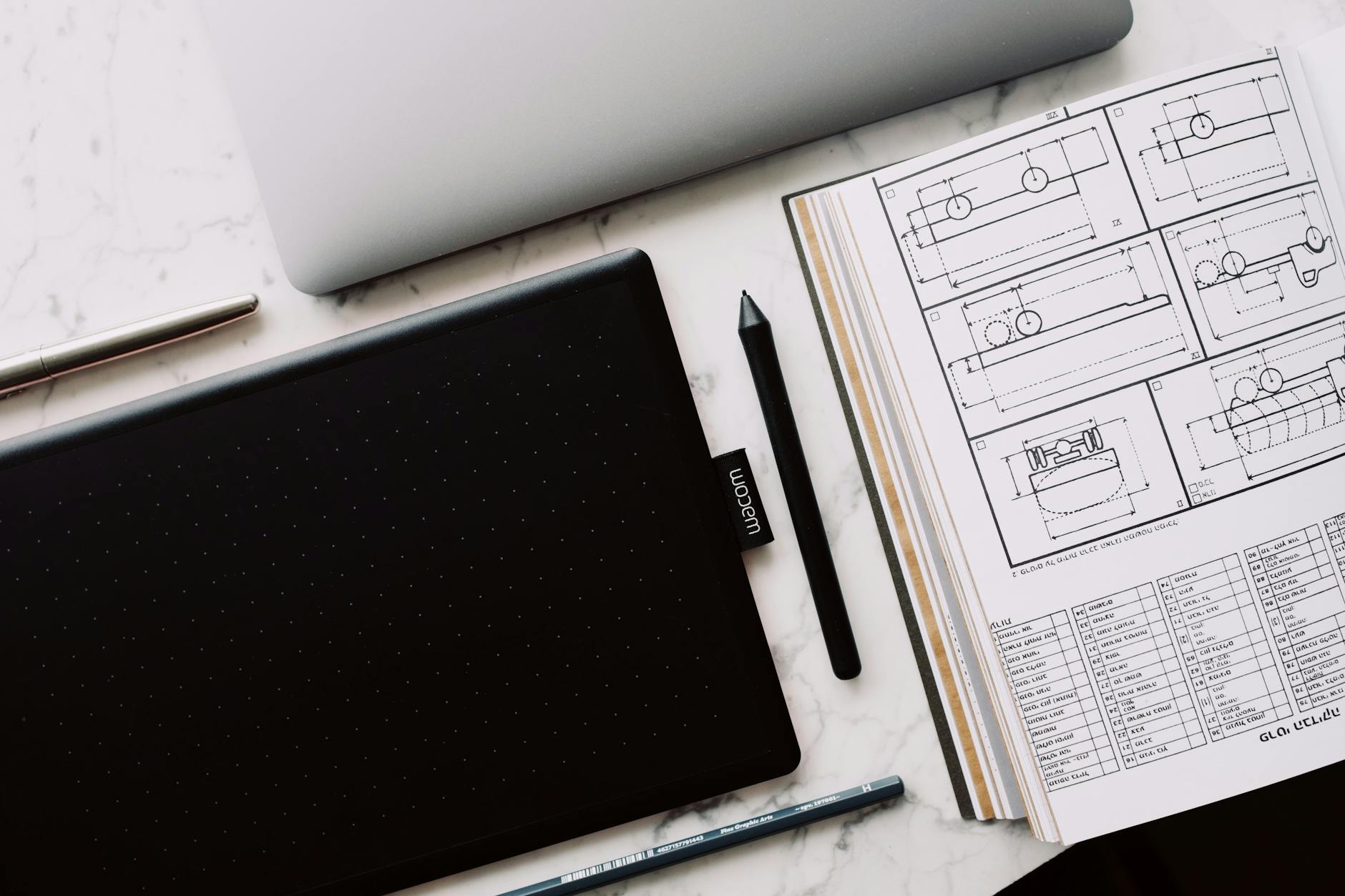
| Wacom One by Wacom Small | Minimalists wanting plug-and-play | No driver needed for basic use | S$80 |
| Huion Kamvas 13 | Beginners wanting a screen tablet | Full-laminated display | S$380 |
| XP-Pen Artist 12 Pro | Those who want a vivid display | 72% NTSC color gamut | S$350 |
| One by Wacom Medium | Drawing with more surface area | 8.5x5.5 inch workspace | S$120 |
Wacom Intuos Small (Bluetooth)
Tagline: A reliable entry-level tablet with wireless freedom.
The Wacom Intuos Small is a solid pick for beginners who want a brand that's widely supported in Singapore. It connects via Bluetooth or USB, and the 4096 pressure levels feel natural for sketching. The 4 ExpressKeys can be customized for shortcuts. Pros: Trusted brand, good pen feel, includes free software trial (Corel Painter Essentials, Clip Studio Paint). Cons: Small active area (6x3.7 inches), requires battery for Bluetooth. Best for: Beginners who want a hassle-free experience and plan to use it with a laptop. Pricing snapshot: Around S$140 online from Lazada or Shopee.
- Pros: Great build quality, decent pressure sensitivity, wireless option
- Cons: Small drawing area, Bluetooth drains battery quickly
- Best for: Casual sketching and note-taking
- Pricing snapshot: S$130-S$150, verify locally
Huion Inspiroy H640P
Tagline: Affordable and functional for tight budgets.
The Huion Inspiroy H640P is a budget-friendly tablet that doesn't feel cheap. It offers 8192 levels of pressure and a battery-free pen, which is great for long sessions. The 6.3x3.9 inch workspace is small but fine for beginners. Pros: Very affordable, responsive pen, lightweight. Cons: No Bluetooth, driver setup can be tricky on older PCs. Best for: Students or hobbyists on a strict budget. Pricing snapshot: Usually S$60-S$80 on platforms like Carousell or Shopee.
- Pros: Low price, high pressure sensitivity, compact
- Cons: Wired only, driver software can be buggy
- Best for: Budget-conscious first-timers
- Pricing snapshot: S$60-S$80
XP-Pen Deco 01 V2
Tagline: A larger canvas for those who draw big.
The XP-Pen Deco 01 V2 offers a large 10x6.25 inch active area at a reasonable price. It's great for beginners who feel cramped by smaller tablets. The pen has 8192 pressure levels and works without batteries. The tablet has 6 customizable buttons. Pros: Large drawing area, responsive, affordable. Cons: No screen, thick bezel. Best for: Users who want more room for sweeping strokes. Pricing snapshot: Around S$90 on Lazada.
- Pros: Spacious workspace, good pressure response, sturdy build
- Cons: No wireless option, pen stand not included
- Best for: Drawing with arm movement
- Pricing snapshot: S$85-S$100
Apple iPad (9th Gen) with Apple Pencil (1st Gen)
Tagline: A versatile device for digital art and everyday use.
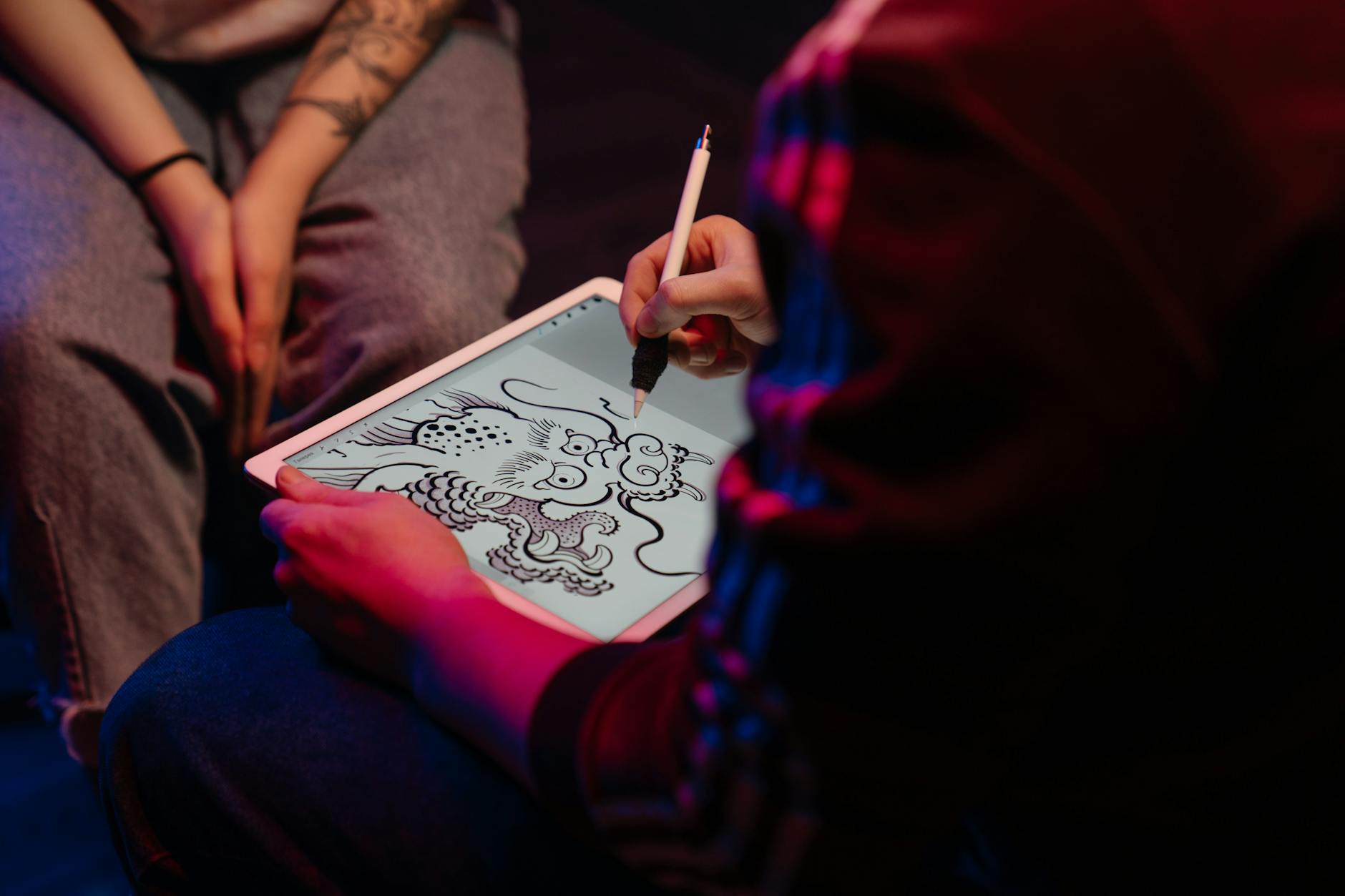
The iPad 9th Gen is a popular choice in Singapore for its dual role as a tablet and drawing tool. With the Apple Pencil 1st Gen, it offers low latency and excellent palm rejection. The 10.2-inch screen is bright and clear. Pros: Screen drawing experience, massive app support (Procreate, Adobe Fresco), multipurpose. Cons: Expensive when combined with Pencil, limited pressure sensitivity compared to dedicated tablets, Pencil charges oddly. Best for: Those who want a device for both art and general use. Pricing snapshot: iPad from S$450, Pencil from S$130.
- Pros: Direct drawing on screen, portable, great ecosystem
- Cons: High total cost, Pencil needs adapter for charging
- Best for: Users who also need a tablet for browsing
- Pricing snapshot: S$580-S$600 for both
Wacom One by Wacom Small
Tagline: Simple, no-fuss drawing tablet.
The Wacom One is the most basic model from Wacom. It's a pen tablet without buttons or wireless, but it works out of the box on many systems without drivers. Pros: Very easy to set up, reliable, low cost. Cons: No shortcut keys, low pressure sensitivity (2048 levels), small active area. Best for: Absolute beginners who want a no-nonsense tool. Pricing snapshot: Around S$80 at local retailers like Challenger.
- Pros: Plug-and-play, durable, budget-friendly
- Cons: Limited pressure, no express keys
- Best for: Trying digital art for the first time
- Pricing snapshot: S$75-S$85
Huion Kamvas 13
Tagline: An affordable screen tablet for a more natural feel.
The Huion Kamvas 13 gives you a drawing screen at a price that's much lower than Wacom's options. The full-laminated display reduces parallax, and the 8192 pressure pen feels accurate. It's a good step up from pen tablets. Pros: Screen drawing, good color accuracy (120% sRGB), included stand. Cons: Requires a computer (no standalone), slightly bulky. Best for: Beginners who want to draw directly on the screen. Pricing snapshot: S$360-S$400 on Shopee.
- Pros: Excellent value for a screen tablet, laminated screen, adjustable stand
- Cons: Thick bezel, driver setup can be finicky
- Best for: Transitioning from paper to digital
- Pricing snapshot: S$360-S$400
XP-Pen Artist 12 Pro
Tagline: A vivid display for color-critical work.
The XP-Pen Artist 12 Pro features a 72% NTSC color gamut, which covers most sRGB, making it suitable for beginners who care about color accuracy. It has a 11.9-inch screen with 8192 pressure levels. Pros: Bright, vibrant colors, pen tilt support, solid build. Cons: No laminated screen (some parallax), glossy finish causes glare. Best for: Artists who want a screen tablet with good color. Pricing snapshot: Around S$350 on Lazada.
- Pros: Good color reproduction, responsive pen, affordable screen tablet
- Cons: Parallax noticeable, glossy screen
- Best for: Digital painting with color accuracy
- Pricing snapshot: S$330-S$370
One by Wacom Medium
Tagline: More space for your ideas.
The One by Wacom Medium is simply the larger version of the basic Wacom One. It offers an 8.5x5.5 inch workspace, which is generous for a budget tablet. The 2048 pressure levels are basic but enough for simple sketches. Pros: Large drawing area for the price, reliable, no driver needed for basic use. Cons: No express keys, lower pressure sensitivity. Best for: Beginners who want a bigger surface without spending much. Pricing snapshot: Around S$120 at major electronics stores.
- Pros: Spacious, simple setup, affordable
- Cons: Limited sensitivity, no wireless or buttons
- Best for: Large sketches and note-taking
- Pricing snapshot: S$110-S$130
How to Choose
- Screen vs. Pen Tablet: Screen tablets let you draw directly on the display, which feels more natural but costs more. Pen tablets require hand-eye coordination but are cheaper and more portable.
- Pressure Sensitivity: Look for at least 4096 levels for decent control. Most modern tablets offer 8192, which gives finer line variation.
- Active Area Size: A larger area allows broader strokes, but if you prefer wrist movement, a smaller size is fine. Measure your desk space.
- Software Compatibility: Ensure the tablet works with your preferred apps (Photoshop, Krita, Clip Studio Paint). Most support Windows and Mac, but check for Linux if needed.
- Budget: Set a realistic budget. Entry-level pen tablets cost around S$70-S$150, while screen tablets start at S$350. The iPad option is pricier but multipurpose.
- Local Warranty & Support: In Singapore, check if the brand has a local distributor for warranty claims. Wacom and Huion have official support, while XP-Pen is also widely available.